Billing Card Not Usable Facebook Ads: 7 Quick Fixes for Payment Errors
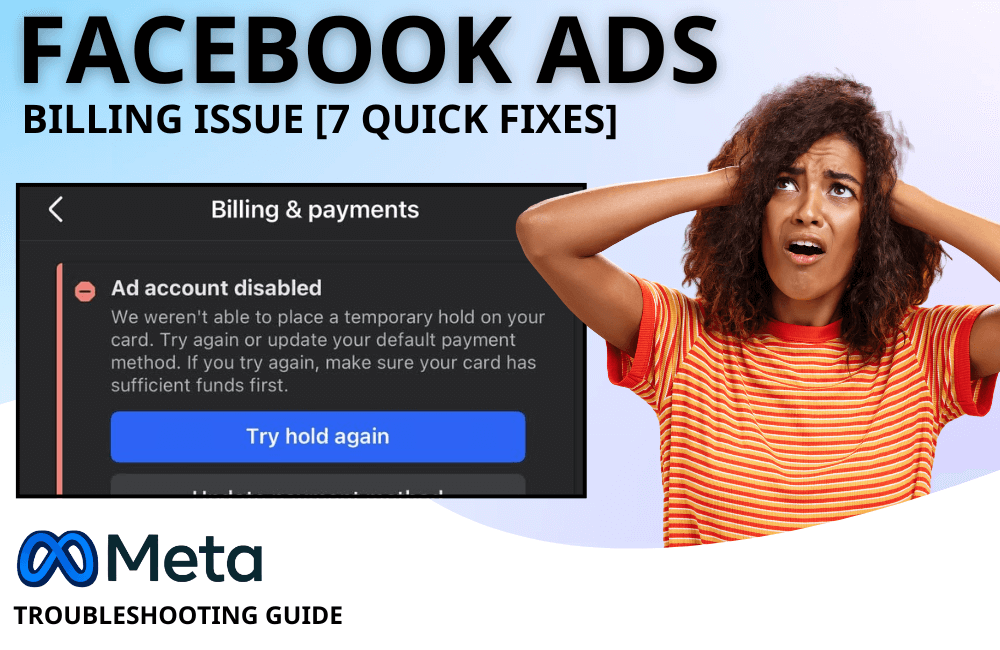
Does Meta continuously reject your payment method, causing you to add funds to facebook ads but remain unable to spend? Do not worry too much. In this article, BlackHatWorld will join you in analyzing the detailed common causes of payment errors within the Meta ecosystem, while providing clear and easy-to-follow step-by-step instructions. Although you may sometimes need to work with your bank, contact Meta support, or try switching to a different payment method, once you understand the root cause, fixing it will become much simpler and less stressful.
Users are struggling with Facebook Ad Payment errors
During the ad delivery process, we notice that many of you and advertisers frequently get stuck because Facebook does not accept the payment method. The frustrating part is that errors often appear suddenly, and the notifications are quite vague, making it difficult to identify the cause. In fact, Facebook ad payment issues can stem from various factors, ranging from basic mistakes to complex system and policy restrictions related to Meta. Understanding each specific cause will help you handle it faster, avoid campaign disruption, and limit risks to your ad account.
Expired or incorrect card information
Just a small mistake in card information is enough for Facebook to decline a payment. Expiration dates, CVV codes, or billing addresses that do not match bank records can all cause errors. What makes it difficult is that Facebook usually does not specify where the error is, showing only a general error message. Additionally, expired cards are a very common cause. Many of you forget to update information when the bank issues a new card, leading to ads being stopped abruptly while running. We have encountered cases where an advertiser ran stably for many months, but the entire campaign was interrupted simply because they forgot to update the card’s expiration date.
Country and region restrictions
Not all payment methods are accepted by Facebook in every country. This is a frequently overlooked reason, especially for advertisers in emerging markets. Some types of domestic cards or local banks may not be fully compatible with Meta’s international payment system, leading to failed payments even if the card functions normally on other platforms.
Confusion between payment errors and spending limits

Many advertisers, especially beginners, confuse payment errors with the spending limits set by Facebook. Facebook uses lifetime spending limits, daily spending limits, and payment thresholds to control risk and prevent overspending. When these limits are reached, campaigns will automatically pause, leading many to mistakenly believe the card is faulty. For new accounts, the initial spending limit is usually quite low, at about 25 USD per day. Once ads reach this level, the system will stop until the limit is gradually increased based on payment history and account performance.
Facebook Ad Account restricted
If an ad account is restricted, all payment methods linked to that account may be affected. In this case, fixing the issue goes beyond just updating the card; it requires reviewing the entire account status, policy violation history, and filing an appeal if necessary. Overall, Facebook ad payment errors are not always complex, but without understanding the root causes, you can easily waste time and disrupt campaigns. Once each specific case is understood, the handling process will become much more proactive and effective.
Insufficient funds or reaching credit limits
One of the most common reasons why Facebook ad payments fail is insufficient card balance or reaching the credit limit. Facebook applies a payment threshold mechanism, meaning the system will automatically deduct funds when you reach a certain spending level or the fixed monthly billing date, whichever comes first. For new accounts, this threshold is usually around 25 USD and will gradually increase over time if the payment history is stable. Many advertisers mistakenly believe the card is faulty, while in reality, the budget is consumed faster than expected, especially during peak seasons like Black Friday or when running multiple concurrent campaigns. For example, simply increasing the budget abruptly for a few ad sets can cause you to reach the payment threshold within hours without realizing it.
Payment method suspended or flagged for risk
When the payment method is suspended or the ad account is restricted, the issue is usually more serious. This happens when Facebook’s system evaluates the financial information as high risk. Causes may include using the same card for multiple previously banned ad accounts, unusual spending patterns, or inconsistency between the account country and the card-issuing source. For example, an advertiser in Vietnam using a card issued in another country while constantly changing the login IP can lead the system to suspect and flag the payment method.
Payment System Errors from Facebook
Sometimes, the problem is not on your end but comes from Facebook’s own system. Meta’s payment infrastructure can also experience technical issues, causing many valid payment methods to be rejected simultaneously. These errors usually have a widespread impact and will be fixed within 24 to 48 hours. In this case, the best approach is to monitor the system status and avoid constant editing to prevent additional risks.
7 ways to fix Billing Card not usable Facebook Ads
The card unavailable error when running Facebook ads is a situation that many advertisers have encountered, from beginners to long-time ad managers. We understand the frustration when a campaign is performing well, and Facebook suddenly reports a payment error and halts all ads. The good news is that most of these errors can be resolved if you follow the right path. Here are 7 practical ways that we frequently apply and recommend to you.
Check and update payment information
The first and most important step is to check the real-time system status of ads and all card information in Ads Manager. Please access Ads Manager, then go to the Billing and Payment settings section to review details. Ensure that the card expiration date, CVV code, and billing address are all accurate and match the information stored by the bank. In practice, we have encountered many cases where Facebook declined payments simply due to abbreviated street names or incorrect zip codes. If you find any incorrect information, update it immediately and try the payment again.
Add a backup payment method

For advertisers running a daily budget, using only a single card is very risky. Facebook allows adding multiple payment methods, and the system will automatically deduct funds from a backup card if the primary card encounters an error. We always advise you to have at least two payment methods on each ad account. For example, a Visa card as the primary and a PayPal account as a backup to avoid sudden ad interruptions.
Remove and re-add the payment method
It sounds simple, but this is a fairly effective fix. Removing the old card and re-adding it helps refresh the connection between Facebook and the bank, thereby resolving synchronization errors or previously incorrect saved data. We have encountered cases where the card was completely valid and the bank confirmed no blocked transactions, yet only after removing and re-adding the card did the ads continue running normally.
Contact the issuing bank directly
If everything on Facebook seems fine, the problem is likely on the bank’s side. Many banks automatically block international transactions or advertising transactions for security reasons. You should call the bank’s hotline to confirm they are not blocking payments from Facebook or Meta. Once the bank authorizes the transaction, the payment error can be resolved almost immediately.
Create a new Ad Account with the appropriate currency
In some special cases, especially when you do not want to pay old debts or the current card is not compatible with the ad account’s currency, creating a new ad account is a quick solution. We often guide you to go to Business settings, select create a new ad account, and pay close attention to the currency from the start. For example, if you do not have a USD card, you should not create an ad account in USD because you will almost certainly encounter payment errors.
Some regions allow the use of intermediary payment platforms like PayU to prepay into the ad account. When using this method, you only need to deposit the desired amount, and ads will run using the available balance. The advantage of this approach is minimizing automatic billing errors and helping you control the budget better, which is particularly suitable for new advertisers or product testing campaigns.
Contact Meta Support Team when necessary
If you have tried all the above methods and still cannot fix the error, do not hesitate to contact the Meta support team. In many cases, your account is flagged for payment risk, and only the support department can remove it. When contacting them, prepare error screenshots, card information, and a detailed description of the situation to speed up the support process.
Prioritize using PayPal or international cards

If you are abroad or running cross-border ads, local bank cards sometimes do not compatible well with the Meta system. In this case, PayPal, Payoneer, or Wise usually have a much higher payment success rate. For example, many dropshipping advertisers we support often use PayPal linked to a USD balance. This method helps avoid errors caused by different countries or currencies and limits banks from blocking transactions due to fraud suspicion.
Card errors when running Facebook ads can be frustrating, but they are entirely manageable if you understand the causes and apply the correct solutions. We recommend that advertisers proactively prepare backup payment methods, carefully verify card information, and coordinate early with banks or Meta to avoid campaign disruptions. When the payment system is stable, scaling ads will be much smoother and safer.
Frequently asked questions
In many cases, banks automatically block international advertising transactions to prevent fraud, or the payment information on Facebook does not fully match the banking records.
Advertisers often prioritize PayPal, international Visa/MasterCard, or cards from platforms like Wise and Payoneer due to their high payment success rates and lower likelihood of being blocked compared to domestic cards.
💬 Contact now for free consultation from BHW!
- Website: https://vi.blackhatworld.io/
- Telegram: @bhw_agency
- Whatsapp: +84819001811
- Wechat: bhwagency
- Email: [email protected]
This article is also available in other languages:


