How to reset Facebook content preference to See Competitor Ads
Has your Facebook feed become more “chaotic” than usual recently? From random posts and intense political debates to content from people you don’t even remember following. That feeling is truly annoying, especially when you just want to browse Facebook to catch up on useful information or have some light entertainment.
The good news is that you can completely regain control of your feed. In this article, BlackHatWord will guide you through two effective ways: a quick refresh to handle the immediate situation and an in-depth cleanup method in settings to “retrain” the algorithm, helping Facebook display the right content so you can monitor competitors’ ads every day and help Facebook machine learning distribute content to the right customers to increase Facebook Reels engagement. Let’s get started right away.
Why is your Facebook feed flooded with unwanted content?
Many people think the Facebook news feed displays content randomly. But in reality, everything is based on algorithms and our own behavior. If your Feed increasingly shows annoying, controversial, or irrelevant content, the algorithm is likely “misunderstanding” your preferences. In this section, we will analyze with you the most common causes that make the news feed chaotic and explain how they occur.
You accidentally interacted with unwanted content
Facebook prioritizes displaying what you interact with the most. When you stop to read a post for too long, click to view comments, react, or even argue, the algorithm will record that you are interested in that topic.
For example, you just curiously clicked on a post about a political debate to see what people were saying. You read for a few minutes and scrolled through the comment section. To you, it was just a view to stay informed. But to Facebook, that is a strong signal that you are interested in political topics. As a result, a few days later, your Feed starts to show more and more similar content.
We often see advertisers falling into this situation as well. They research competitors’ ads, view a lot of content related to a different industry, and then their feed becomes flooded with topics unrelated to their primary work.
You have followed too many pages and groups in the past
Over time, we often hit the follow button or join groups quite casually. Perhaps a few years ago, you were interested in crypto, online sales, investment, or a certain community. But now, your interests have changed. However, the algorithm still remembers those follows. When these pages or groups become active again, their content will appear frequently on your feed.
For example, an advertiser joined 20 dropshipping groups in 2021. By 2026, they no longer work in this field. But whenever there is a controversial post in the group, Facebook still pushes that content to the top of the newsfeed because it assumes you are an active member.
Controversial content is always prioritized by the algorithm
A truth that we want you to clearly understand is that the Facebook algorithm prioritizes content that generates strong engagement. Controversial content often creates many comments, shares, and emotions. When a post has hundreds or thousands of comments, Facebook considers it engaging content and continues to distribute it more widely. If you have ever interacted with a post of this type, there is a high probability that you will see many similar posts appearing.
For example, a post with a shocking title like “Small businesses are about to disappear because of new policies” will stimulate many people to debate. If you participate in that discussion, the algorithm will think that you love dramatic content and continue to suggest more.
Facebook is testing new content on you
The Feed does not always display only the content you have interacted with. Facebook frequently conducts tests by putting content from strangers, new pages, or new topics into your newsfeed to measure your reaction.
If you stop to watch or interact, the algorithm will understand that this is your new interest and expand further. If you completely skip it, that content will gradually appear less frequently. We once tested this with an ad account. By continuously watching 5 to 7 videos about a new topic within 2 days, the Feed changed significantly and prioritized displaying content related to that topic.
You have not proactively retrained the algorithm
The algorithm does not automatically refresh over time if you do not make adjustments. If you do not regularly unfollow, hide posts, or refine interests, the Feed will continue to be based on old data.
Many people have never accessed the Feed settings to control priority content. This causes the newsfeed to gradually become a cluttered collection of old interests and accidental interaction signals. The good news is that the algorithm can be “retrained.” When you proactively interact more with desired content and reduce interaction with inappropriate content, the Feed will gradually change in a more positive direction.
How to reset Facebook content preference to See Competitor Ads
If you are an advertiser or a business owner, you have likely encountered this situation: your Facebook newsfeed is full of entertainment and random news, but you rarely see ads from competitors. This makes it difficult for us to track their marketing strategies, stay updated on market trends, and miss many important insights.
The good news is that we can completely “retrain” the Facebook algorithm to make the newsfeed display more content and ads related to our industry.
Step 1: Access settings and adjust Content Preferences
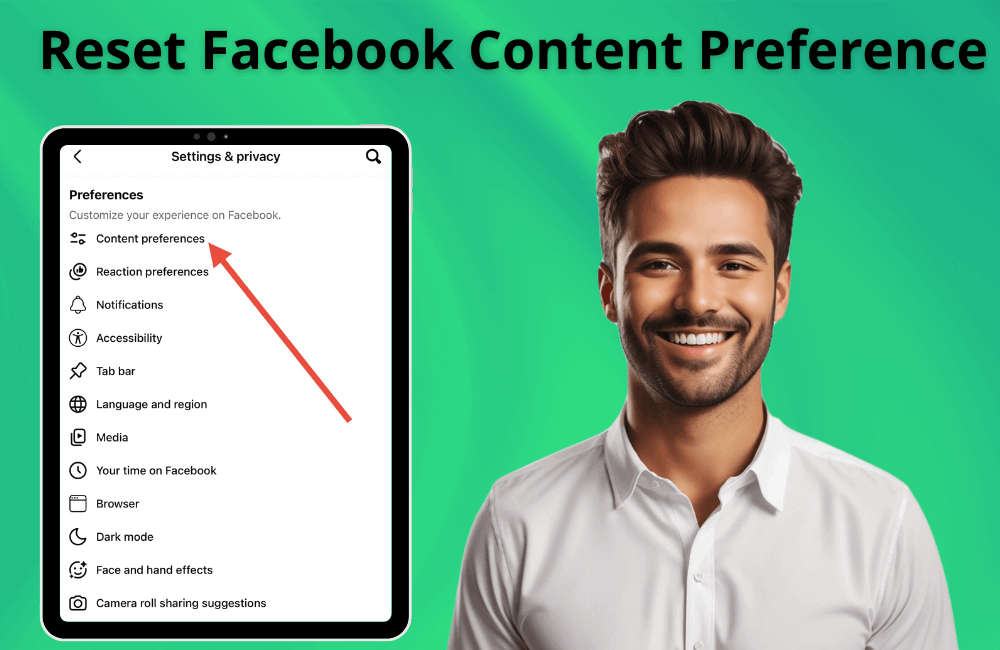
First, open the Facebook app and start from the Home tab. Click on the Menu icon in the top right corner, then select Settings & Privacy and proceed to Settings. This is where all account controls are concentrated.
Next, navigate to the Preferences section and select Feed. Here, Facebook decides who and what content you will see. Select Favorites and click Add to include pages, brands, or individuals you want to follow more closely. For example, if you are in the cosmetics business, add fanpages of major brands in the industry or agencies specializing in running cosmetics ads.
When we add these pages to the Favorites section, Facebook will prioritize displaying their content more frequently on the newsfeed.
Step 2: Unfollow irrelevant content
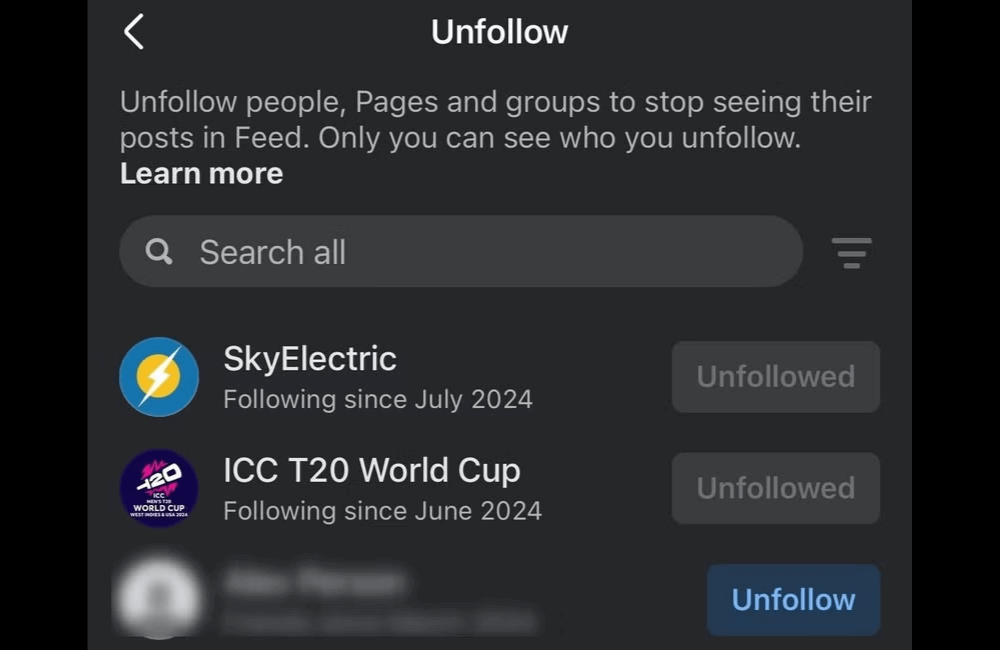
Return to the Who you see section and go to the Unfollow category. Here, you can unfollow people or pages that no longer fit your research goals. For example, if your newsfeed is flooded with entertainment content, memes, or topics unrelated to your industry, feel free to unfollow. This action does not unfriend them but only helps clean up algorithm signals. When we reduce interaction with irrelevant content, Facebook will understand that we want to change our content “taste.”
Step 3: Clear old activity signals in the Activity log
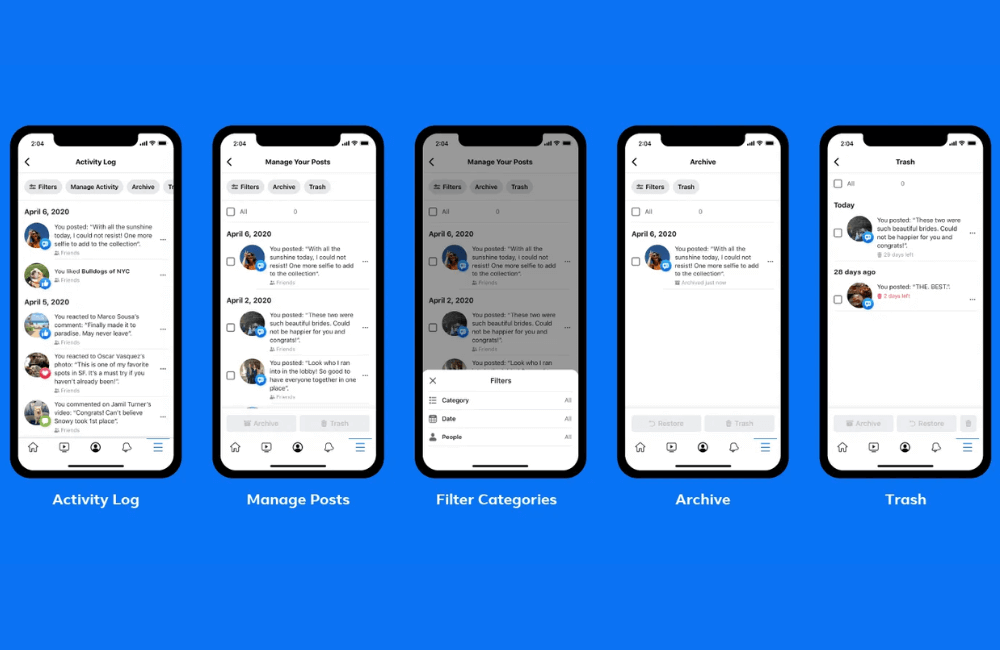
Facebook relies heavily on your interaction history. Therefore, if you previously reacted frequently to irrelevant content, the algorithm will continue to push similar content. To handle this, go back to Settings and select Your activity, then open the Activity log.
Go to the Likes and reactions section, review old interactions, and remove reactions that are no longer appropriate by clicking the three dots and selecting Remove reaction. For example, if you used to interact frequently with travel content but now want to research real estate advertising, delete travel-related signals so the algorithm can gradually change its display direction.
Step 4: Clear search history to refresh recommendations
Continue in the Activity log, go to the Search history section, and select Clear searches. If you previously searched for a lot of content outside your industry, Facebook will use that to recommend more similar content. When we clear the search history, the algorithm will gradually decrease the priority of those old topics.
Step 5: Hide and mark “Not interested” for unwanted content
When you see an irrelevant post appear on your news feed, click Hide Post. For recommended posts, select Not interested.
For example, if you want Facebook to show more ads in the fitness industry but continuously see content about gaming, proactively hide them. Over time, the system will readjust the recommended content. This is how we “teach” the algorithm using actual behavior instead of only changing the settings.
Step 6: Actively interact with competitors and industry content
To see more competitor ads, you need to create new signals. Visit competitor fanpages, watch videos, click follow, react to posts, read comments, and even click on their ads. When Facebook records your interest in that field, the system will display more similar content and advertisements.
For example, if you are in the fashion business and frequently view ads from brands in the same segment, after just a few days, your newsfeed will start to be densely populated with fashion ads.
Step 7: Refresh your newsfeed frequently
After performing the above steps, return to the Home page and swipe down to refresh the newsfeed multiple times for several consecutive days. The Facebook algorithm needs time to relearn your new behaviors. We usually see a clear change after about 3 to 7 days if all steps are performed consistently.
Guide to turning off Facebook Activity Tracking to reduce ad personalization
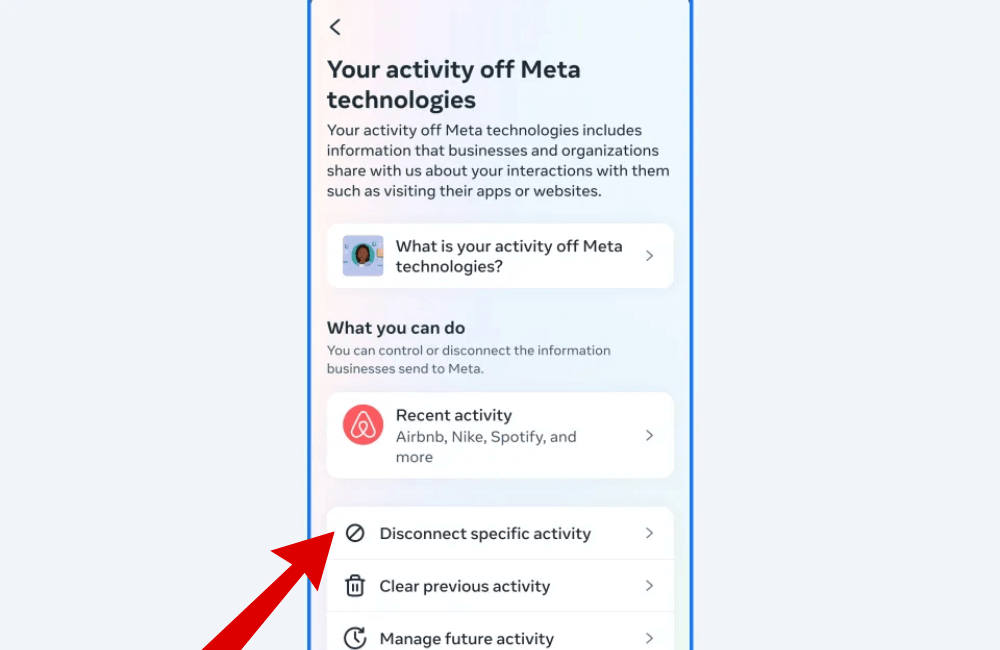
If you want to take a further step in resetting content, you can clear off-Facebook activity to stop tracking through Meta Accounts Center.
Step 1: Open the Facebook app and go to Menu.
Step 2: Select Settings & privacy, then go to Settings.
Step 3: Tap on Meta Accounts Center.
Step 4: Under Account settings, select Your information and permissions.
Step 5: Tap on Your activity off Meta technologies.
Step 6: Select Clear previous activity.
Step 7: Confirm by tapping Clear.
After performing this, your off-Facebook activity history will be disconnected from your account. This may result in ads being less personalized, but it helps you have a more objective view when conducting market research.
Resetting Facebook content not only helps your news feed stay neat and more aligned with your interests but is also a smart strategy to track competitor ads. When we actively adjust interaction signals, clean up activity history, and create new behaviors suitable for the industry, the algorithm will gradually display more relevant content and ads. This is a simple but extremely effective way for advertisers to capture trends and optimize their marketing strategies.
Frequently asked questions
Usually, the algorithm needs from 3 to 7 days to relearn your new behaviors. If you interact actively and consistently with industry content, the change will happen faster.
No. You will still see the same amount of ads as before, but the level of personalization may change. This helps advertisers gain a more objective perspective when conducting market research.
💬 Contact now for free consultation from BHW!
- Website: https://vi.blackhatworld.io/
- Telegram: @bhw_agency
- Whatsapp: +84819001811
- Wechat: bhwagency
- Email: [email protected]
This article is also available in other languages:


