The Closest Thing to a Facebook Ads Team Email: Using Support Chat Effectively

If you are using Facebook for your business operations, you have certainly encountered technical errors or unexplained glitches while advertising. This is completely normal, as Facebook has too many features, undergoes continuous updates, and frequent changes. The occurrence of issues is almost unavoidable.
And if you have been involved with Facebook long enough, you must know that getting in touch with an actual employee to answer queries is nearly impossible. This leaves many advertisers and business owners feeling extremely frustrated, especially at times when just a quick answer from an expert could immediately resolve the issue.
In the content of this article, BlackHatWorld will join you in finding the official contact email for the Facebook ad team, helping you easily receive support from a Meta employee when encountering issues. This will be an important “lifeline” for advertisers, shop owners, service providers, or anyone who relies on Facebook to run their daily business operations.
When should I contact the Facebook support team?
Just like adding a secondary email to Facebook for security, having the Facebook ads team’s email address is truly necessary. Because there are cases where, without the help of the support team, it is very difficult to continue running ads or maintaining business operations. Below are common situations we frequently encounter when working with clients, and this is also when you should consider contacting Facebook Support directly.
Ads rejected for the wrong reason
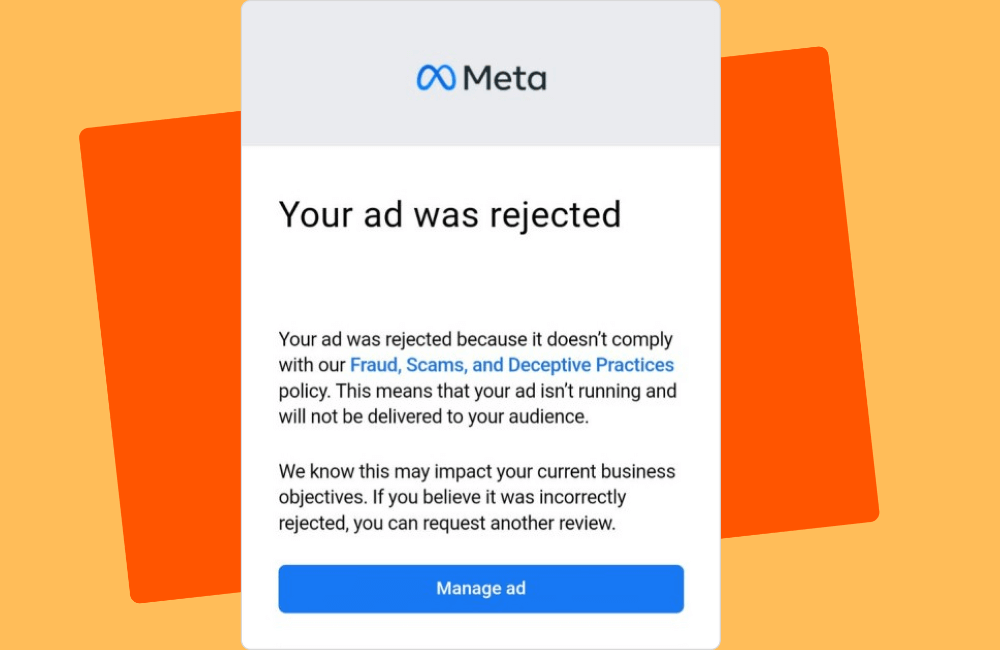
Many advertisers in our community have experienced ad rejection situations despite not violating any policies. Facebook uses an AI system for automatic review, so sometimes the machinery misunderstands the content.
We had a client in the clay pigeon shooting industry. This is a legal sport and not related to dangerous weapons; however, their ads were constantly flagged by the system as violating the weapons policy. In this case, submitting a report or contacting the support team directly is mandatory because if manual review is not requested, the ad will never be reactivated.
Facebook AI misunderstands the ad objective
Another issue we frequently encounter is Facebook mistaking the ad type. Some of our clients run franchise advertising, but the AI system thinks they are posting job vacancies. Even if the content is completely unrelated to recruitment, the ad is still restricted from display or rejected entirely. In such situations, you should not try to repeatedly edit the content because the fault lies with the system. The only way is to ask the support team to recheck and manually adjust it.
Ad account or payment issues
Not only are ads rejected, but sometimes you also encounter errors that directly affect the budget and operations:
- Ad account is disabled despite no violation
- Although you know how to pay for Meta ads, the payment method is constantly rejected
- Unable to add a Visa or MasterCard
- Spending limit is restricted without a clear reason
- Ads Manager reports an error every time a new campaign is created
Errors like these cannot be self-fixed and require a Facebook employee to review your account status. Especially for businesses running a large budget, any incident can cause business operations to halt, making contacting the support team highly necessary.
The Closest Thing to a Facebook Ads Team Email: Using Support Chat Effectively
When we work with you or other advertisers, a frequent issue is that people know there is a “Facebook support” section, but do not know how to actually talk to a real person. And as you may have experienced, Facebook’s support system has many layers, many steps, and it is very easy to “push” users toward guidance articles instead of allowing direct live chat. Therefore, in this section, we will guide you on the right approach to speak with Facebook’s real support team and resolve issues faster.
Directly emailing the Facebook Support Team
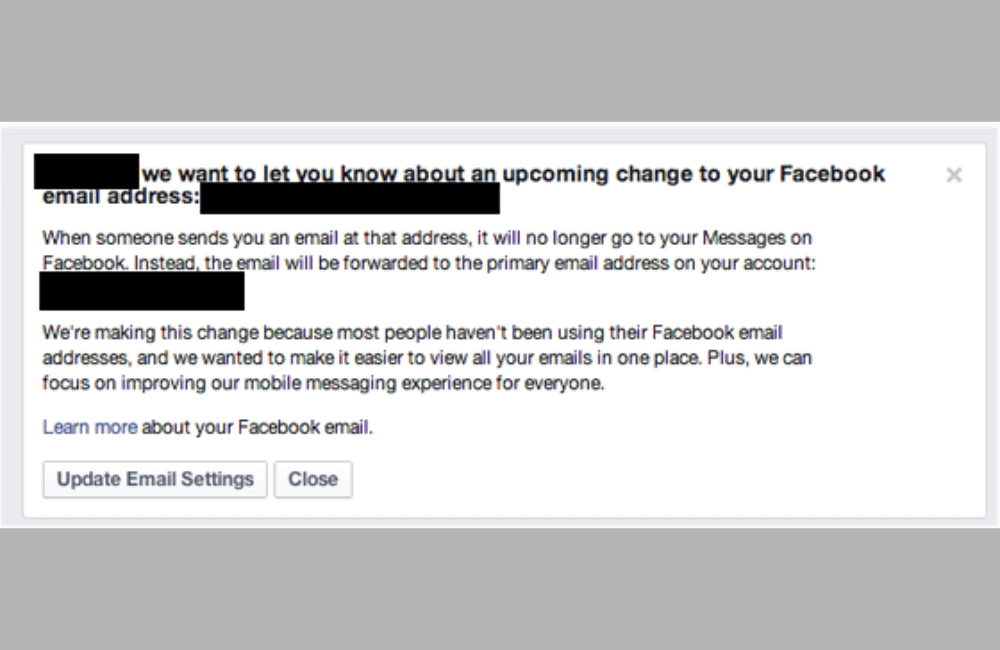
Facebook also provides an official email address for advertisers: [email protected]. This is an excellent option if you want to:
- Save the entire exchange history
- Attach screenshots
- Explain the issue in more detail
For example, if you lose page admin access or your Business Manager Account is locked, sending an email often helps the support team better understand the situation. Remember that the support team has to handle a large volume of requests daily, so please be patient. Just provide a brief, complete description, and your issue will be handled much faster.
Use the Help section directly within the Facebook Ads Manager interface.
First, you need to open your computer and access the Ads Manager. When you scroll down to the corner of the screen, there will be a question mark icon (?), which is the Help section.
However, you may not see all the same options as we do. This can happen for several reasons:
- You are accessing outside the support team’s working hours, so the chat feature does not appear. For example, there is usually no staff on duty during evenings or weekends.
- Your account interface differs from our agency account, so some options will be limited.
But do not worry, you can still contact real support if you follow the correct procedure. After opening the help section, scroll down to contact support. Here, Facebook will ask you to select the type of issue you are experiencing.
Important note: If you select specific technical options, Facebook usually only provides help articles and does not open the chat. Therefore, always choose Something Else or Other Issues. This is the only way for Facebook to open the real support chat. Then select the ad account needing support, and briefly describe the issue, such as:
- “Ad account disabled.”
- “Unable to make payment.”
- “Ad rejected for the wrong reason.”
Then click Start Chat. The conversation will open in Messenger, and you need to respond quickly to prevent the agent from closing the chat session.
Accessing Facebook’s official business support page.
Another method we recommend is to directly visit the business support page at: facebook.com/business/help/support. Here, Facebook displays the phrase “personalized help chosen just for you,” meaning the support system is personalized to your account. Scroll down to the section that needs more help with advertising. And click Contact Advertising Support. Next:
- Select ad account
- Select issue
- Briefly describe
- Submit request
The support team usually responds very quickly on this channel, especially if your account frequently runs ads. Furthermore, even if your issue is not directly related to advertising, such as a business page error or business suite, you can still ask. As long as you are running ads, the support team will still assist.
Some advice when talking to Facebook Support
Since we frequently work within the Meta ecosystem and have to contact support constantly, the feeling of “luck of the draw” is very familiar. Sometimes you meet a support agent who is extremely enthusiastic and quick to reply, but there are also times when you encounter someone who nearly just reads from a pre-written script and does not truly understand your problem. To help you save time and avoid falling into an infinite support loop, the following content will share important notes to optimize your conversation with Facebook support and increase the likelihood of genuinely having the issue resolved.
Support agents are not official Facebook employees
One thing many advertisers do not know: the people chatting with you through the “Support” window are actually not working directly for Facebook. They belong to a third-party company specializing in providing customer service for many large brands. Therefore, the level of understanding varies among individuals, and they are only trained at a basic level.
If you ask about abnormal spending errors of an ad account or delivery limit errors, support staff will often reply with the typical response: “Please wait for the system to re-evaluate itself,” instead of providing in-depth analysis. Although they try to help you, they actually do not have deep access to the system. This means that: If you need support with any issue, they:
- Cannot independently unlock the ad account or business account.
- Cannot change the ad approval status.
- Do not interfere with issues related to ad products, such as spending limits, quality scores, or accounts under continuous review.
Many of you think that being polite will immediately lead to an unlock, but the Meta system does not operate that way at all.
Ask the support agent to escalate the case for testing
The most crucial thing that advertisers need to do in every support session is: Ask them to escalate their case to the “internal review team.” This is the team that genuinely works for Facebook, has access to the internal system, and can:
- Restore ad accounts
- Remove account restrictions
- Analyze delivery errors
- Handle complex technical issues
- Re-check the status of the business (BM), fanpage, or personal account
If you don’t ask for escalation, there’s a 90% chance you’ll just get a “template” answer, and the problem remains the same.
Note on the email you use to contact
When the case is escalated, Facebook’s internal team will respond via the email you registered during the support chat session. If that email is no longer in use or inconvenient, ask the support staff to change the contact email before they escalate the case.
We hope that with the instructions above, we have helped advertisers struggling with the Meta system understand how to use the support chat feature most effectively. Although Facebook does not provide a direct support email, if you know how to prepare information, clearly describe the issue, and choose the right support channel, you can completely resolve the problem faster, reduce campaign downtime, and maintain stable ad performance.
Frequently asked questions
No. Currently, Meta does not provide any direct support email for advertisers. The closest contact methods are live chat or opening a case (support inbox) in the business help center.
You should prepare: an ad account ID, campaign ID, error screenshots, a detailed description of the issue, and the time the error occurred. The clearer you are, the faster the support team will handle it and limit requests for additional information.
💬 Contact now for free consultation from BHW!
- Website: https://vi.blackhatworld.io/
- Telegram: @bhw_agency
- Whatsapp: +84819001811
- Wechat: bhwagency
- Email: [email protected]
This article is also available in other languages:


