Top Tools for Creating Shoppable UGC Videos for Facebook Ads Fast
We have created numerous ultra-high-converting UGC ad creatives on Meta using 100% AI, and the fascinating thing is that they are not only effective in the testing phase but also scale the budget extremely stably. In 2025, the total client-provided advertising budget to us was approximately 9.6 million USD, and nearly half of that was poured into UGC creatives generated entirely by AI.
In this content, BlackHatWorld will share with you the tools for creating the most authentic shopping experience simulating UGC videos, along with the process for building an AI-powered UGC advertising system that any business can implement. Let’s explore the complete secrets to mastering Facebook video ad production in the new era!
Top Tools for Creating Shoppable UGC Videos for Facebook Ads Fast
Currently, it is clear to see one thing: the brand that creates videos faster, more authentically, and most closely follows the shopping experience will win the battle for attention. Instead of spending weeks hiring KOLs or creators, advertisers can now use AI UGC tools to create realistic videos in just a few minutes.
Below are the top tools we have tested, analyzed, and compiled based on actual feedback from the advertising community that you can consider using.
Invideo AI
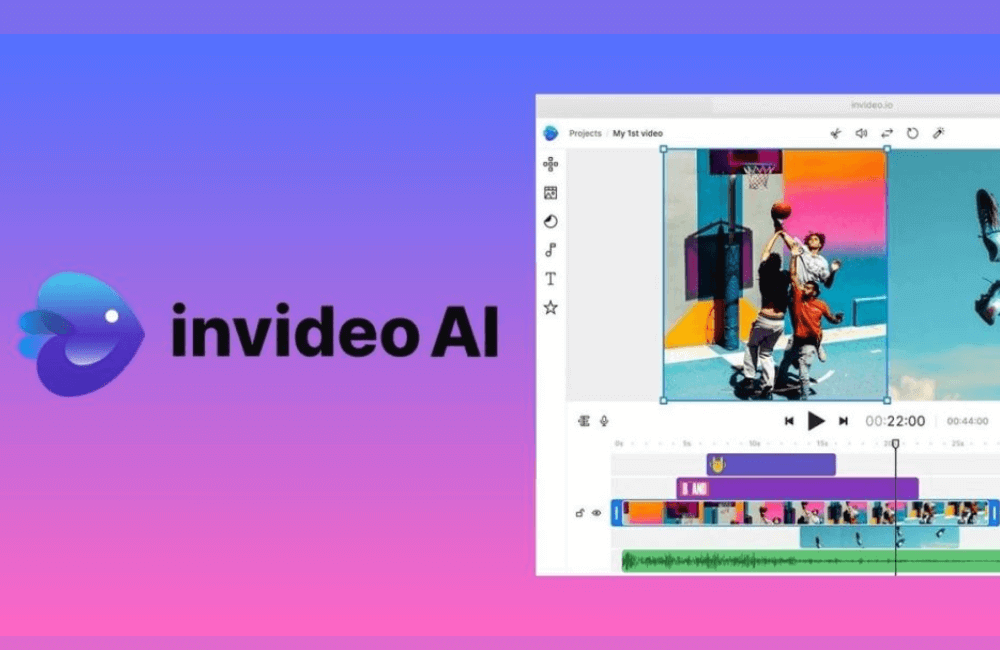
Invideo AI is one of the most comprehensive platforms we have ever experienced when creating UGC using AI agents. The AI actors can hold products, interact naturally, and present in the style of a real creator. If you are selling cosmetics, household goods, electronic devices, or fashion, then Invideo AI will help shorten the entire video production process to just a few minutes. Invideo AI is best suited for e-commerce product videos, Meta ads, and TikTok Spark.
For example, A lipstick store can create a 15-second review video with an AI actor trying the product, holding it close to the camera, and describing the lipstick texture.
| Advantages | Disadvantages |
| Diverse real and AI actor profiles: You can select actors of different ages, cultures, and styles from the US, UK, Australia to Asia. Additionally, the platform allows creating an AI avatar with just 60 seconds of sample video. | Fewer actors than specialized avatar platforms: Brands needing hundreds of avatars may find the selection insufficient. |
| Many professional shooting backgrounds: You can create videos in podcast, walk and talk, skit, or multi-actor scenes. Previously, to shoot these types of videos, brands had to hire an entire production crew, but now it only takes a few clicks. | Simple editing interface: Professional editors sometimes want more in-depth fine-tuning, but Invideo AI focuses on speed, so this part is not overly detailed. |
| Lifelike product interaction: Actors can hold lipstick, thermos mugs, smartwatches, or lotion jars. This makes the video look natural, similar to a creator shooting it themselves. | |
| Automatic image retrieval from URL: You only need to paste the product link, and the platform will automatically retrieve images, information, and immediately create a sample video. |
Creatify
Creatify is what we refer to as an “automatic video production machine.” Just paste the product URL, and the platform will automatically pull images, descriptions, analyze the content, and immediately create 5 to 10 video variations. This is the ideal choice for Shopify stores or those continuously running AB testing. Creatify is best suited for: large-scale e-commerce advertising and sellers who need to create many videos daily.
For example, A shop selling sun-protective clothing can create 10 videos with 10 voices and 10 different styles in just 3 minutes.
| Advantages | Disadvantages |
| Automated URL to video creation: No need to upload photos or manually enter information. Just pasting the link is enough for the machine to automatically generate the video. | Inconsistent avatar quality: Some avatars speak very naturally, but others may have distorted mouth movements or poor expressions. |
| Library of over 900 avatars: You can select the avatar suitable for different customer groups, from Gen Z, office workers, new mothers, to middle-aged people. | Platform performance is occasionally slow: Especially with long videos, Creatify’s editor may lag or freeze. |
Arcads AI
Arcads AI uses AI actors trained from real actors, so their facial expressions are quite natural. This tool is very suitable for brands that want to create a genuine feeling, as if a real user is sharing their experience. Arcads AI is best suited for: UGC ads for Meta and TikTok, brands needing to create large volumes of videos with a natural feel.
For example, A water flosser brand can create 20 different review videos with just a few clicks, which is very suitable for testing multiple ad angles.
| Advantages | Disadvantages |
|---|---|
| AI actors trained from real people: Expressions and movements look more natural than conventional AI avatars. | No free trial: You have to pay from 110 USD to use it, making it slightly difficult to access initially. |
| Bulk video creation: Very suitable for those running tests of multiple video versions. | Uneven emotional expressions: Some avatars’ expressions are somewhat “wooden” when speaking, causing the video to lose its naturalness. |
Tagshop AI
Tagshop AI stands out for its very deep URL analysis capability. When we tested it with a cosmetic product, the platform automatically identified the benefits and product characteristics and created a suitable review video for the usage context. Tagshop AI is best suited for automatically generating multiple UGC videos from a product URL and exporting multi-language videos.
For example, When pasting the link for makeup remover, Tagshop can create a video in the style of “evening skin cleansing experience.”
| Advantages | Disadvantages |
|---|---|
| Automation from URL to video with intelligent product analysis | The free version only allows one video creation for a maximum of 60 seconds |
| Video creation in over 40 languages | Some videos require further editing to optimize storytelling |
| Allows for bulk video creation for large campaigns | |
| Direct integration with Meta and TikTok for quick ad launching |
Detailed steps to Create Script 100% with AI and Scale effectively.
When advertisers are scaling short video campaigns and want to create a compelling “AI actor,” the starting step is always scriptwriting. That is the soul of every UGC video. A good script will be the guiding compass for AI to create authentic, relatable, and high-converting content. So, how do you build a powerful script? Here is the practical process we are applying, and naturally, this process also heavily relies on the power of AI.
Building the script foundation with a clear UGC framework
Before writing any dialogue, you and I need to internalize a “skeleton framework” for the UGC ad. These are the pillar headings that prevent the script from becoming vague:
Persona (Who are you talking to?): E.g., women 45–50 years old who enjoy crafting, or young people who love fitness
Mass market desire (What is the market’s deepest desire?): E.g., “Want to sew clothes at home but are afraid it’s too difficult,” “Want to lose weight but don’t have enough time.”
Angle (What is the ad’s approach?): E.g., sharing an experience, dissecting a pain point, recounting a real journey
How (In what context will the message be delivered?): E.g., in the kitchen, unboxing the product, doing a DIY project
Product & benefit (What are the most prominent product and benefit?): E.g., “Mini sewing machine that even inexperienced people can use.”
When researching, the two highest priorities are Persona & Product. At this point, the “How” section will appear naturally once you clearly understand these two elements.
Important note: Do not try to cram 5–7 benefits into one video. We always advise you to select only one core benefit so viewers can remember it and avoid “information overload.”
Gathering data to find the script pillars
All the pillars above cannot emerge from… thin air. We look for them in two main data groups:
Owned Data
When already having real products and customers, we look at:
- Ads Manager
- Google Analytics
- Shopify
- Product reviews
- Post-purchase surveys
- Triple Whale
- Other internal data sources
Market Data
If you are launching a new product and do not have data yet, delve into:
- Competitor websites
- Product
- Amazon review
- Quora
- YouTube review (include transcript)
- Social media comments
- Facebook Groups
All this data is gathered by us into a compiled table that helps visualize the complete picture of customer psychology, behavior, and needs.
Clarifying the Persona heading using reviews & AI
Reddit, Amazon, competitor reviews… are the “gold mine.” There, users often freely disclose:
- Gender
- Age
- Desires
- Pain points
- How they describe the problem
- Solutions they have tried
If you do not have the data yet, do as we do:
Step 1: Create a Google sheet.
Step 2: Copy/paste hundreds of reviews from Amazon, Reddit, YouTube, Facebook…
Step 3: Upload CSV to GPT and ask:
- Who are my customers?
- How old are they?
- What do they believe in?
- What do they desire?
- What solutions have they tried?
- How do they perceive the problem?
We often use a Chrome extension to download over 300 Amazon reviews of a competitor’s product. We then throw all of them into GPT. In just a few seconds, GPT returns a clear, sharp persona portrait, to the point where we can imagine talking to a real customer.
Building the product description with real data
In this step, you should list all:
- Features
- Benefits
- Differentiators
- Pain points the product solves
Put everything into a Google Sheet. Then return to GPT and use a large prompt for AI to write the first UGC script. We input to the AI:
- Concept name
- Mass Market Desire
- Awareness level
- Persona
- Review
- Script idea
- Product information
- Pain points & desires
- The UGC framework is to be used
After one round, GPT generated the first script. When it seemed slightly negative, we requested a more positive rewrite, and the result became extremely compelling: “I’ve had a sewing machine in my craft room for years. I always told myself I would sew my own clothes, but honestly, I was too scared to start…”
Submitting the script to Arcads to create a UGC video with AI
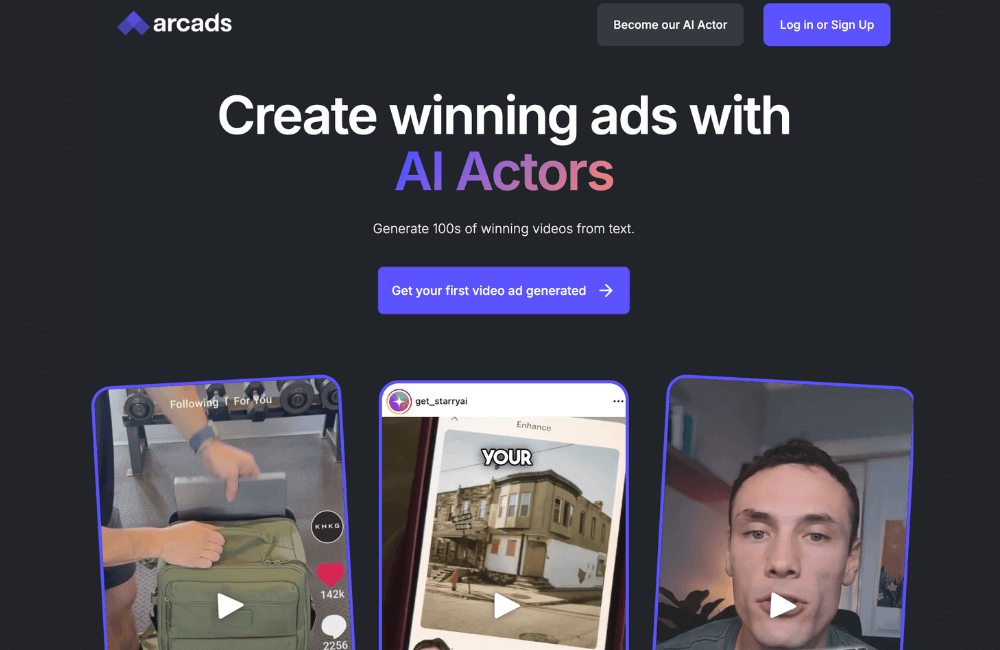
Once the script is “mature,” we input it into Arcads to generate the video. In Arcads, you can:
- Select AI actors
- Upload a voice sample so the character speaks in the correct tone of voice
- Customize clarity, naturalness
- Generate hundreds of different videos from just 1 script
We select actors based on:
- Gender
- Age
- Face suitable for the persona
- Video context
For example: Sewing products → we select a group of female actors aged 45–55.
To create social proof, we often select about 10 AI actors to make the video seem like multiple real customers are sharing.
After selecting the actors → click Generate. Each video renders in about 10–45 minutes.
Editing, merging contexts, and creating the final video.
After a few days, when enough videos from AI are available, our editor team and I proceed to:
- Merging real product B-roll
- Incorporating multiple AI actors appearing together
- Changing scene transitions
- Optimizing the storytelling pace
- Optimizing the Facebook ad video size for each placement
The result is a video that few would realize was created by AI. Each AI actor has a real context, such as:
- Sitting in the living room
- Looking at the camera
- Interacting with a phone
- Holding a glass of water
- Sitting in the crafting room
Once you understand and correctly use the appropriate UGC video creation tools, you will significantly shorten content production time while maintaining the “authentic,” engaging quality that matches the shopping experience spirit users expect. These platforms not only help advertisers optimize costs but also open up a flexible idea repository for faster testing, optimization, and campaign scaling. Choose the right toolset for yourself and start creating UGC videos powerful enough to make customers stop, watch, and take action!
Frequently asked questions
Yes. UGC videos create a more authentic and trustworthy feel, due to simulating the customer’s real experience. Facebook viewers tend to trust sharing from “people like them” more than professionally produced ads. This helps increase CTR, reduce CPA, and improve overall ad performance.
t depends on your needs. If you require “AI actors” and natural-talking videos, you can choose AI avatar platforms. If you want to combine clips, create B-roll, and finish quickly, automatic editing tools like CapCut, Veed, or UGC-specialized platforms will be more suitable. The most important thing is that the tool must help you produce fast, be easy to edit, and create an authentic feeling as if the customer is experiencing the product.
💬 Contact now for free consultation from BHW!
- Website: https://vi.blackhatworld.io/
- Telegram: @bhw_agency
- Whatsapp: +84819001811
- Wechat: bhwagency
- Email: [email protected]
This article is also available in other languages:


