How to Remove Ad Account on Facebook: Step-by-Step Guide for 2026
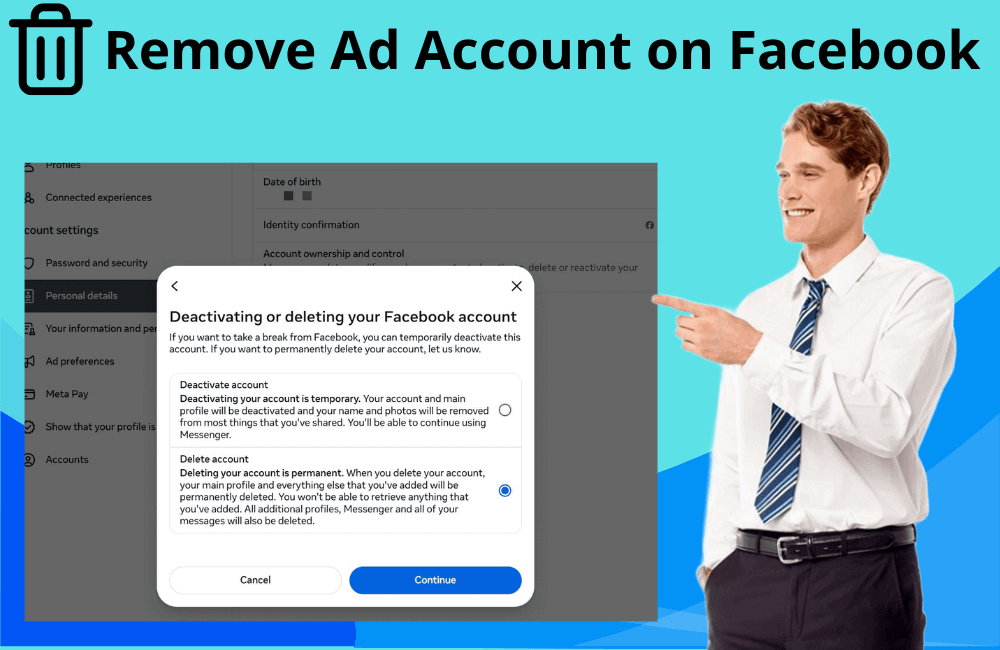
Managing ads on Facebook can sometimes be complicated, especially when you need to optimize or clean up business assets to align with a new marketing strategy. In some cases, deleting a Facebook ad account is necessary, such as when you are restructuring your advertising system or simply no longer using that account. In this article, BlackHatWorld will provide a detailed guide on how to quickly and easily delete a Facebook ad account, applicable to both the browser and mobile app versions. On average, the entire process only takes about 2–3 minutes to complete.
When Should You Consider Deleting Your Facebook Ad Account?
As an advertiser, you may sometimes reach a point where you need to close or delete your Facebook ad account, and this is completely normal. Even Facebook recommends users close their ad accounts if they no longer intend to run campaigns. Deleting the account not only helps tidy up the system but also contributes to protecting your business assets and payment data.
Payment Information Security
One of the top reasons to delete an ad account is security. When you stop using an account but still leave a linked credit card or payment method, it can pose potential risks. Closing the account helps prevent unauthorized access to your payment method. For example: If you once shared access with a former collaborator or employee, closing the account will ensure they cannot reuse that account to run unintended ads.
Protecting Control Over Business Assets
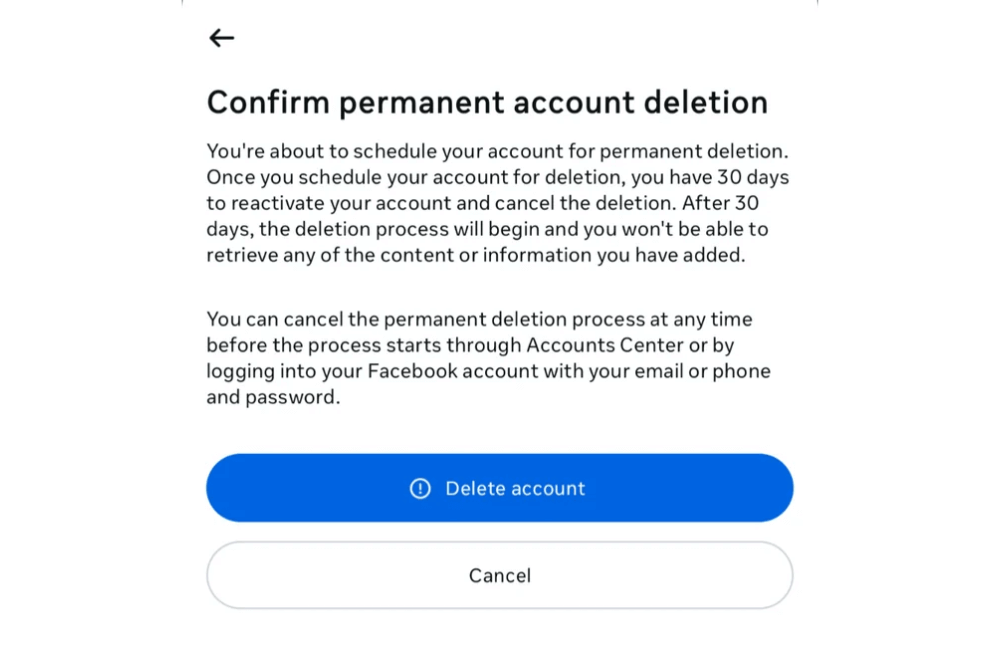
Besides payment issues, closing an account is also a step to protect the security of your advertising system from the risk of being compromised or misused. This is especially important for agencies or businesses where multiple people jointly manage the ad account.
Example: When an employee leaves the company or when you change marketing partners, closing the old account helps prevent unauthorized access or usage.
If you do not want to delete your Facebook ad account, you can also protect your privacy by deleting your Facebook ad activity.
When the Advertising Goal is Completed
If you have completed your campaign objectives, such as launching a new product, ending a promotion, or achieving expected sales levels, keeping that ad account active may no longer be beneficial. At this point, closing the account helps keep the system tidy and easier to manage, especially when you are running multiple different projects.
When an Ad Account is No Longer Effective
In some cases, advertisers may find that the current account no longer yields the expected results, the advertising costs are high, the conversion rate is decreasing, or the account has been repeatedly restricted from advertising. Deleting the old account and starting over with a new one can help reset the strategy and improve performance in the long term.
When an Account is Permanently Disabled
If your Facebook ad account has been disabled and cannot be recovered, deleting or closing it is a logical option. Facebook does not allow complete deletion, but when closed, the account will be hidden from the management interface, which helps avoid confusion when managing multiple other accounts.
When the advertising contract with the customer ends
For agencies or freelancers, managing multiple client ad accounts is common. When a contract ends, closing the client’s ad account helps protect payment information, campaign data, and prevents unwanted situations.
Example: An agency, after completing a campaign for a real estate client, will proceed to close the ad account to ensure privacy and data security.
How to Remove Ad Account on Facebook: Step-by-Step Guide for 2025
Deleting an ad account on Facebook is a crucial step, especially when you are restructuring your marketing operations or ceasing the use of a specific account. Before proceeding to delete the ad account, we advise you and other advertisers to pause all running campaigns and back up important data. This helps prevent information loss or financial issues after deletion. Preparation steps include:
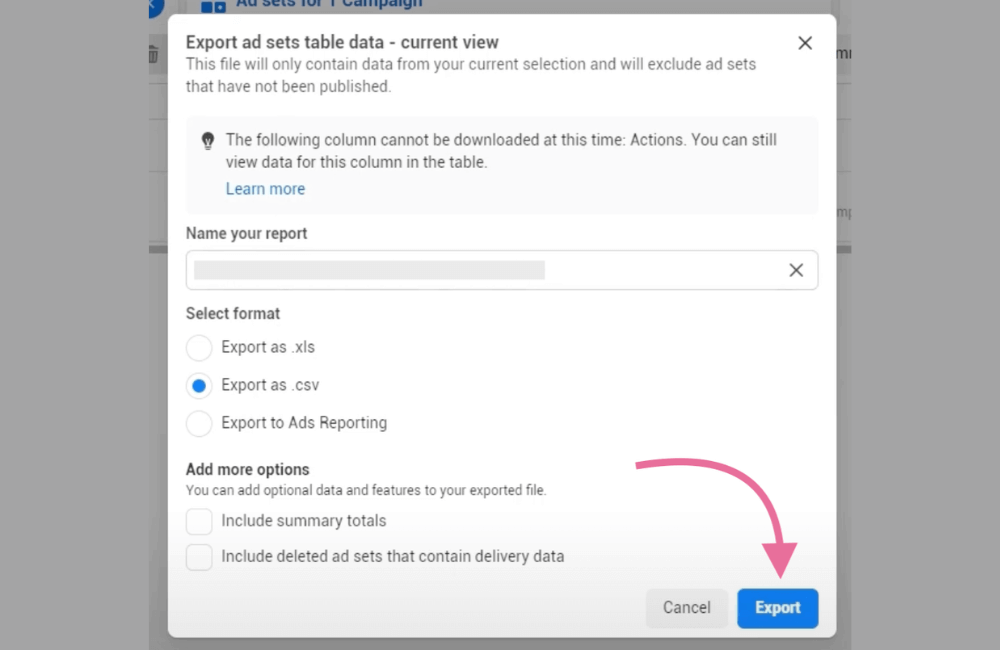
- Exporting Report Data: Download reports on spending, conversions, and ROAS from Ads Manager for the time period you need to keep.
- Downloading Related Assets: Including audience lists, creatives, landing page links, and other necessary files.
- Checking Invoices and Payments: Settle all outstanding balances to avoid having your payment method blocked.
- Considering Alternatives: If you only want to pause, you can choose to deactivate the account instead of permanent deletion (this will be detailed below).
Step 1: Log in to Business Manager or Ads Manager
Access business.facebook.com or adsmanager.facebook.com and log in with a Facebook account that has administrator (admin) privileges. If you are using Meta business suite, go to business settings to control permissions and assets.
Note: You must be an admin of the business manager or the ad account to perform the deletion.
Step 2: Stop the campaign and export the data
To avoid losing important data, you should:
- Go to Ads manager → Campaigns, select all running campaigns, and click Pause.
- Go to Reports/Export, and download a CSV or excel report containing spending, performance, a list of creatives, and change history.
- If you are using Pixel, Conversion Api, or Catalog, make sure to record the configuration for reuse in a new account.
Step 3: Check payment method and invoice
In the billing section of ads manager, check for:
- Any outstanding balances or unpaid invoices.
- Download invoices for accounting or internal record-keeping.
- After deleting the account, you can remove the payment method in payment settings to avoid automatic charges.
Step 4: Remove or deprive all users
Access Ad Account Settings → Ad Account Roles to view the list of users. In this section, you can also add User to the Ads Manager. To delete a Facebook ad account, you need to:
- Click remove to remove each person from the ad account.
- You can skip this step if you are the only person remaining.
Example: If the account has three people (A – admin, B – advertiser, C – analyst), you (A) need to remove B and C sequentially before deleting the account.
Step 5: Delete the ad account
Once only the sole admin remains:
- In ad account settings, select Remove / Close account (tắt or xóa tài khoản).
- Read the warning carefully, as this action cannot be undone.
- Confirm the action. Once completed, the ad account will be permanently closed.
Note: After deletion, the ad data will disappear from the management interface, although Meta may still store it internally according to their policies.
Step 6: Recheck related assets
After deleting the account, check all related assets in Business Manager:
- Fanpage: Ensure the page still belongs to the correct Business Manager.
- Pixel or Data Sets: If the pixel is associated with the deleted account, you need to create a new one or move it to another account.
- Catalog / Instagram Account: Review the access rights to avoid losing the connection.
Quick guide for mobile users
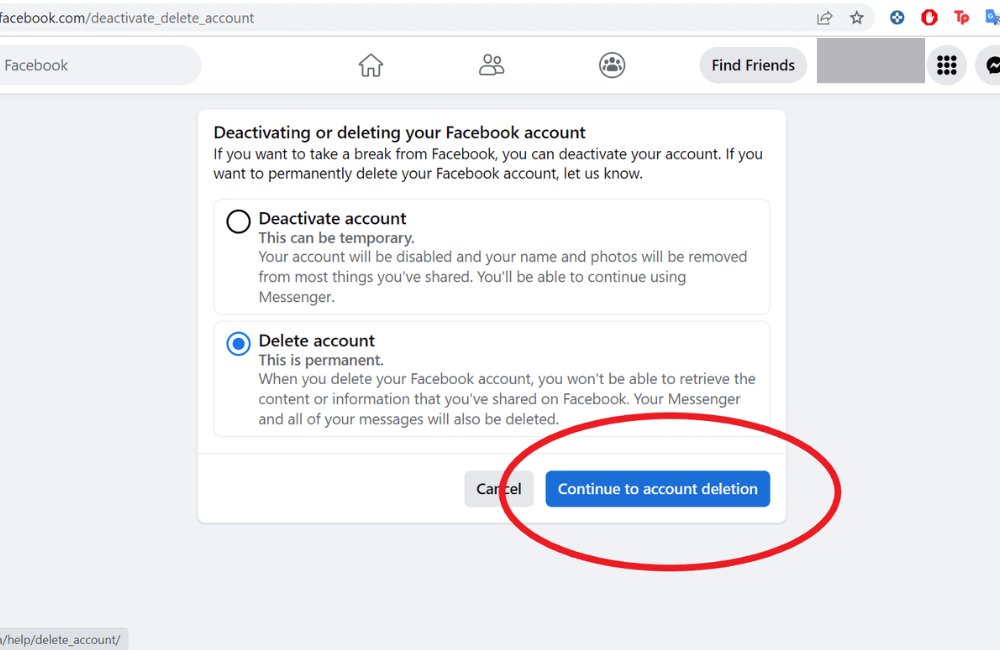
If you are using a phone:
- Open Meta Business Suite or the Facebook App.
- Go to Settings → Business Settings → Accounts → Ad Accounts.
- Select the account to Delete → Remove user → Close Account / Remove.
The mobile interface may vary depending on the version, so if you cannot find the options, please use a desktop browser to ensure accuracy.
Important Note
Before deleting your Facebook ad account, don’t forget to:
- Store invoices and documents for accounting or auditing purposes.
- If you are managing the account for a client, you need to have written consent before performing the deletion.
Deleting a Facebook ad account is a crucial step in optimizing and restructuring your marketing operations. However, always consider carefully before proceeding, as this action is irreversible and can affect your data and ad history. We always encourage advertisers to perform this process safely, with a plan, and ensure full compliance with Meta’s regulations to avoid unnecessary risks in the future.
Frequently asked questions
No. Once you confirm the deletion of an ad account, this action is permanent. You will not be able to recover old data, campaigns, or settings. If you only want to stop advertising temporarily, choose the disable or pause option instead of deleting.
Not directly. Once the account is deleted, the linked pixels and audiences also become invalid. However, you can create a new pixel and recreate similar (lookalike) audiences based on old data that was backed up before deleting the account.
💬 Contact now for free consultation from BHW!
- Website: https://vi.blackhatworld.io/
- Telegram: @bhw_agency
- Whatsapp: +84819001811
- Wechat: bhwagency
- Email: [email protected]
This article is also available in other languages:


